The final sound your music deserves
Book a session, send your acapella and instrumental for mastering —or your stems from Pro Tools for a mix— and get your track back to studio standards.
Before you send
How to prepare your files
Follow these 4 steps so your master turns out its best. A badly exported file limits what we can do in the final stage.
 Export your mix and acapella as WAV or AIFF, 24-bit, at the same sample rate as your project (44.1 / 48 / 96 kHz). No MP3.
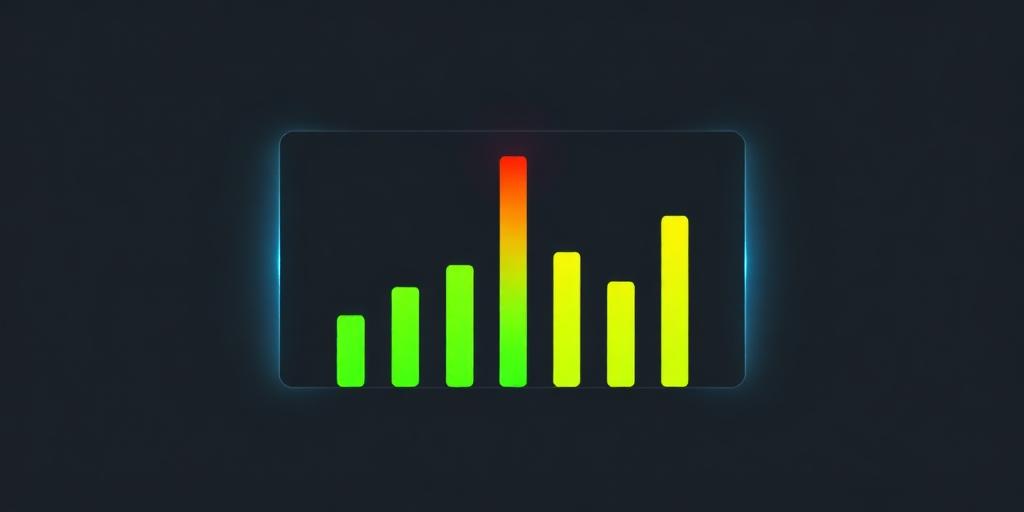 Peak level should sit between −6 dB and −3 dB. Remove any limiter or clipper from the master bus. Creative processing on individual channels is fine.
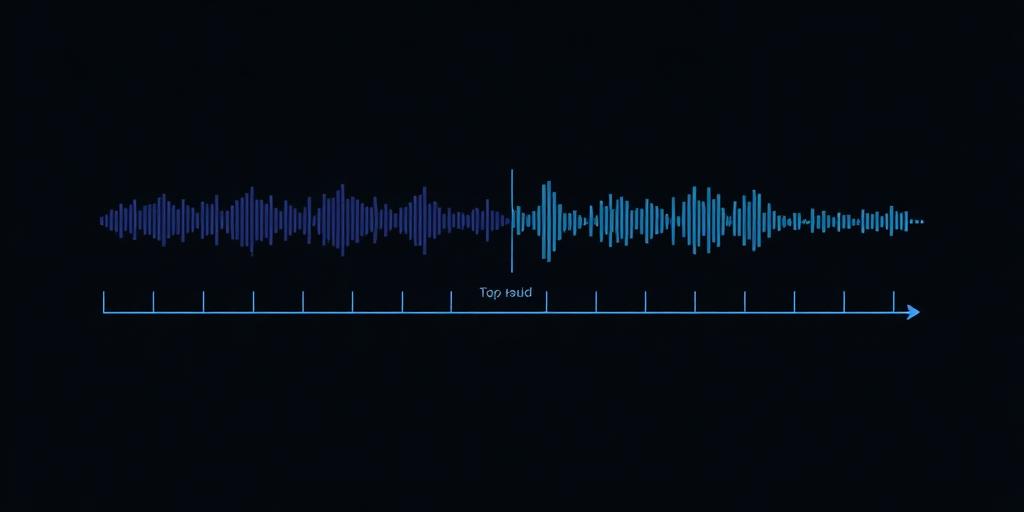 Send two files: INSTRUMENTAL (no vocals) and ACAPELLA (lead + backing vocals already mixed), both starting from the exact same point.
 Upload the files to WeTransfer, Google Drive or Dropbox. Name the folder as: ARTIST - SONG. Paste the link in the form below.
Quick checklist before sending
- WAV / AIFF, 24-bit, same sample rate as your project
- Peak between −6 dB and −3 dB, no limiter on the master
- Two files: INSTRUMENTAL and ACAPELLA, same start point
- Naming: ARTIST - SONG - INSTRUMENTAL.wav / ACAPELLA.wav
- Send your reference mix (optional but recommended)
- Download link valid for at least 7 days
Mixing · Pro Tools
How to prepare your mix in Pro Tools
Follow these steps to send your stems from Pro Tools. Well-organized stems make for a better and faster mix.
Pro Tools stems checklist
- Consolidate each track and export from bar 1
- WAV 24-bit, same sample rate as your project (44.1 / 48 kHz)
- Dry tracks (no plugins) or with processing printed
- Clear names: Kick, Snare, Bass, Lead Vox, etc.
- Fixed zero at bar 1 | beat 1 for every track
- Include BPM, key, and a reference mix (rough mix)
- Folder named: ARTIST - SONG - STEMS (.zip)
- Use Save Copy In and verify no clip is offline
Pricing
Special offers
Choose the pack that best fits your project. Mastering with 48-72h delivery · Mixing in Pro Tools at $750 per song.
$100
Professional mastering for a single track.
$100 / song
$270
Save $30 on your EP or multi-release.
$300
$90 / song
$425
Save $75 on your full project or album.
$500
$85 / song
Mixing · Pro Tools
Professional mixing
Send us your stems exported from Pro Tools and get your mix ready. $750 per song.
$750
Professional mix of a single track in Pro Tools.
$750 / song
$2,250
Mix for your EP or multi-release.
$750 / song
$3,750
Mix for your full project or album.
$750 / song
Booking
Reserve your slot
Fill in the form with the link to your files. We'll confirm by email in under 24h.



Payments accepted via PayPal, Zelle, and ATH Móvil